Carpool and Share your trip with UniHubCarpool

Travel together and Save. Offer your ride.
Carpool as a driver and turn empty seats into savings. Simply post your ride and let passengers help cover fuel and tolls.
-

Share daily routes & Cut Commuting Costs in Half
-

Reduce Vehicle Wear & Tear
-

Reduce traffic congestion and air pollution with Eco-friendly commutes
-
Meet like-minded people with similar schedules and destinations
How UniHub Carpool Works
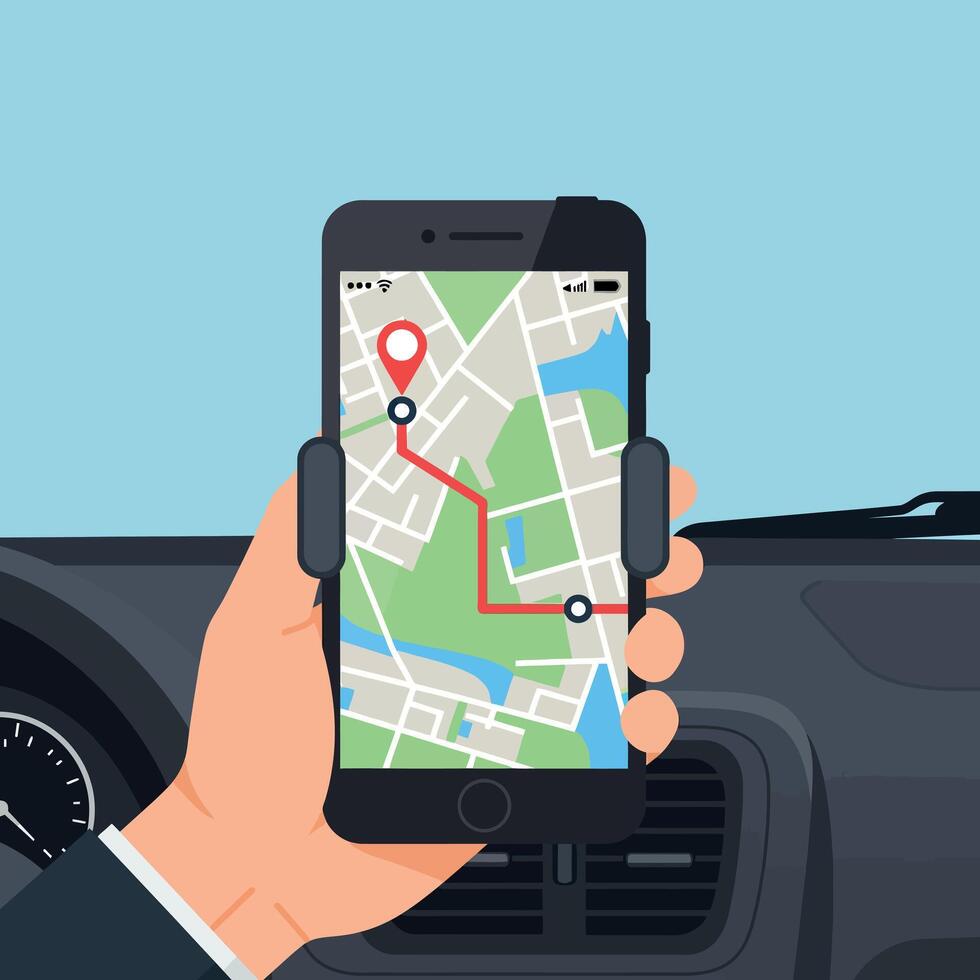
1. Search for a Ride
The rider enters their pickup & dropoff locations, travel date into the search box, reviews available rides from drivers traveling the same route. If you can’t find a ride: try adjusting your travel info or create a ride request so drivers can see demand.
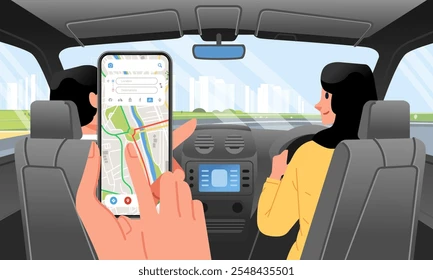
2. Contact the Driver
You can message the driver directly from the ride listing for questions on exact pickup location luggage space meeting point on campus drop-off location
3. Reserve Your Seat
Once you find a ride that works for you, click Reserve Seat. The driver will review your request and confirm your booking.
4. Taking the trip
Once your booking is confirmed, you will receive: the driver’s contact information, pickup location, ride details. Meet driver at the agreed pickup location and enjoy your trip.
5. Leaving ratings and paying the driver
Payment is handled directly between riders and drivers. Be sure to confirm the payment method (cash, zelle etc.) with your driver before the ride. After the trip, riders and drivers can leave ratings and feedback.